Back in October I posted my product review for the the Kindle Fire Kids HD 6… and since receiving ours (the day it was released thanks to early ordering and my Amazon Prime membership), this product has TAKEN OFF! It may well end up being THE go-to gift for kids for Christmas this year! Which is absolutely phenomenal. We certainly love it in our home.
Buy your Fire HD 6 Kids Edition, 6″ HD Display, Wi-Fi, 8 GB, Blue Kid-Proof Case HERE!
(affiliate link, THANK YOU!)
There are hundreds of apps available on FreeTime (aka they are FREE!), but how to select the ones that are right for your kids? We have now tried LOTS of apps, and several have ended up getting deleted off of her Kindle (it’s super easy to add and delete apps by just finger tapping and holding the app logo) simply because they weren’t right for her. So, I thought I’d share a list of what has stayed, and why we love them so much!
If you’re giving the gift of a Kindle Fire to one of your kiddos this Christmas, why not take a few minutes to have it set up before you wrap it – so when they open it up on Christmas morning, it’s all ready to go! You can even go ahead an preprogram your parental settings in there, so they don’t end up spending all day on their Kindle and missing family time. 😉
So I’m going to outline a few of our favs here… and be sure to check out the bottom of this post – where I’ve got tips for using your Kindle Fire Kids HD 6… some lessons that only time and lots and lots of use have taught us!
Please be aware – like in my original post, the photos I’m posting here are my own snaps of the screen – these are not pro photos from Amazon.
Please also note – I have just discovered that just as Kindle frequently ADDS apps to the FreeTime list, they also take them away randomly… so if you go looking for one of these and it’s not there, well, tough cookies. We just lost two of our favorite apps, but I was able to find several new books… so you win some, you lose some. A good life lesson for even your youngest Kindle users.
Looking for books that read aloud to your child? They will be found on FreeTime under the APPS button. Amazon has just added numerous Dr. Seuss, Berenstain Bears, and Little Critter books in addition to all of the wonderful classics and Sandra Boynton books that have previously been available as readable apps. Each of these apps is fabulous because it gives the child the option to read it themselves or be read to, and each one has interactive illustrations.
Some of our favorite non-book apps:
Drawing Pad
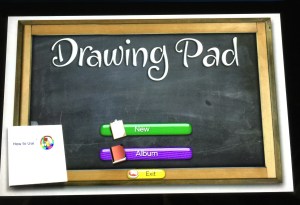


This app provides kids with a variety of mediums (paint, colored pencil, crayon, marker, stamps, and a variety of paper options) to digitally create art – perfect on the road when you can’t ACTUALLY take out magic markers and draw in your lap! Every color of the rainbow is available simply by finger scrolling through the supply tray. It’s easy to get back to the main screen, save your art for later, etc.
Kids Preschool Puzzle and Shape Builder – Learning Puzzle Game

We love both of these puzzle apps. The photos shown are from the Kids Preschool Puzzle App. Shape Builder is a bit more challenging – because there are no lines drawn to shown the shape of the puzzle pieces. Both apps will show you the completed picture once you are done. Perfect for the puzzle lover in your home!
Kids ABC Letters

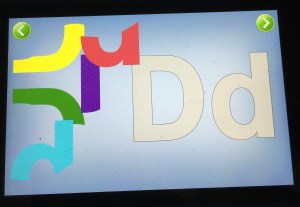
This screen shot of the letter puzzle is just one small part of what this app will do – it’s the “forming letters” section shown on the menu. You can also fish for letters, simply look at letter flash cards and listen to the sounds the make, or find letters within words. It’s a great app for kids just learning their letters, or for kids who are beginning to put letter sounds together to read.
Animals’ Matching

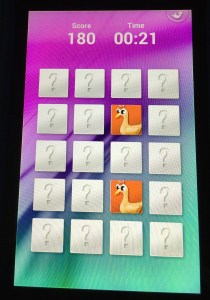
A classic matching game, this app has three different levels of difficulty, and kids can play against the clock to get higher scores. Easy enough on the easy level for a beginner, or hard enough on the master level to entertain an adult (yes, I’m guilty), this is a super fun one that will keep you thinking.
Kids Numbers and Math

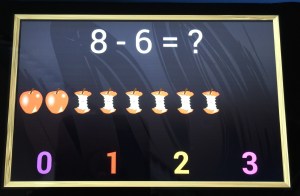
This app is simply perfect for your kiddos – all the way from beginning counting, through multi-step addition/subtraction combos. Works on numeral recognition, one-to-one correspondence, largest/smallest comparisons of numbers, addition, subtraction, multi-function problems, and number matching. It’s a fabulous app for introducing the concepts as well. After doing just a few of the subtraction apple problems (shown above), Becca now has a solid grasp on the concept of subtraction that she is applying in other areas of her life!
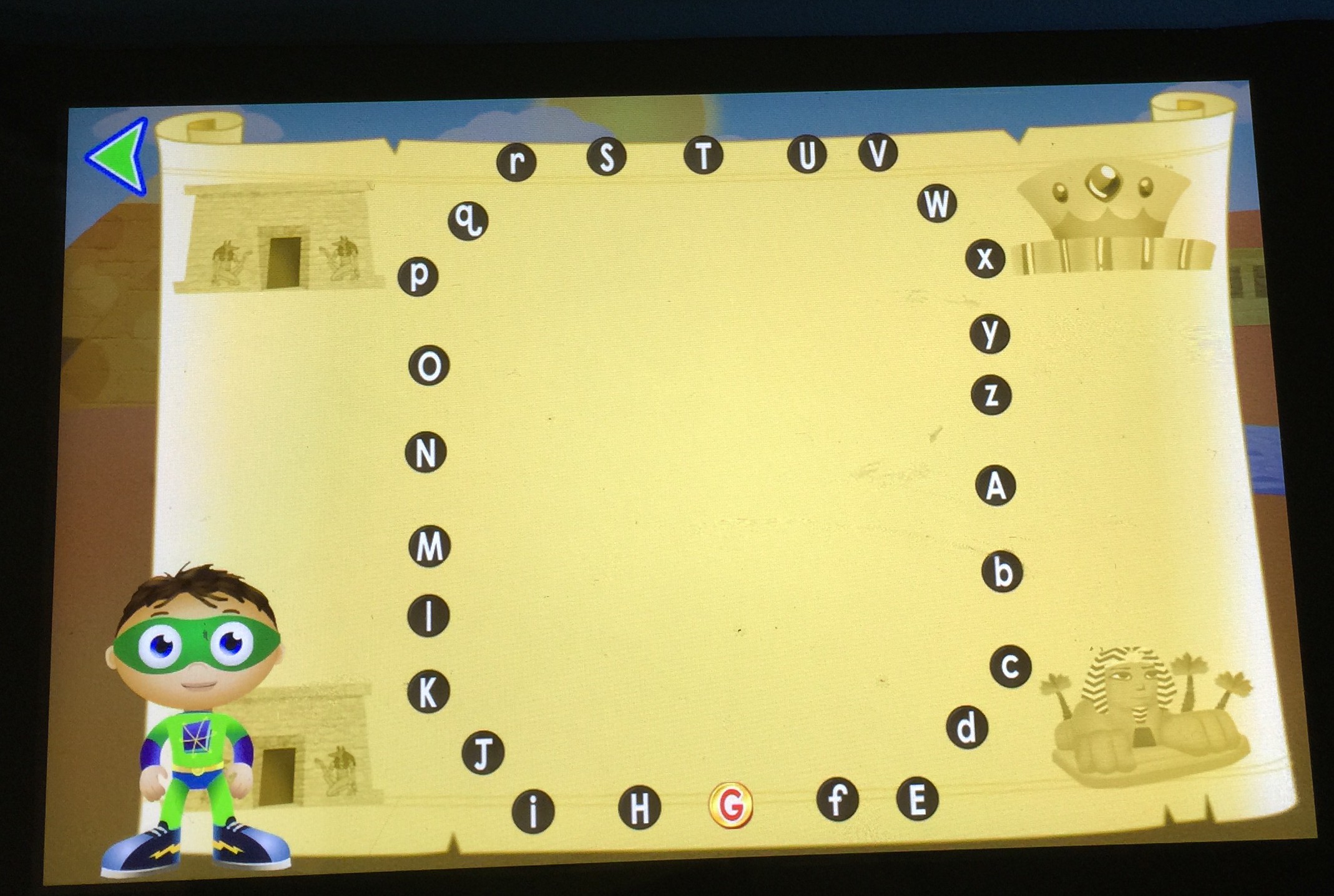
Super Why ABC Adventures
Because this app has SO MANY fabulous features, look below each picture for info about all that your kids can do in this app. And if it ever goes off of FreeTime, Amazon might find me on their doorstep!
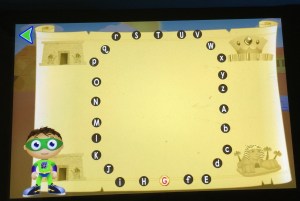
Your kiddos complete alphabet dot-to-dots here to find and collect their treasure.

Practice proper letter formation by following the dog bones Woofster has laid out.
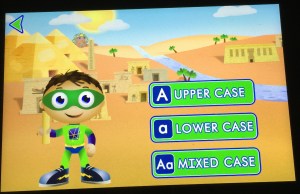
In each section of the app, your child (or you) can pre-select whether they will work on upper case, lower case, or mixed case letters.

Help Princess Presto build words by swimming under the sea and finding letters that make the sound she is saying. Great for listening skills, fine motor of helping her swim under water, and works on word building and sounding out words.
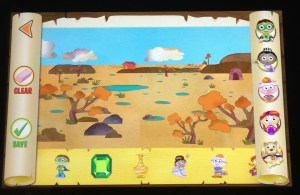
From the main screen, the map of the world shows a variety of places to visit, and for each one, the habitat is viewed, and stickers can be added to make fun pictures, which can be saved for feature viewing.
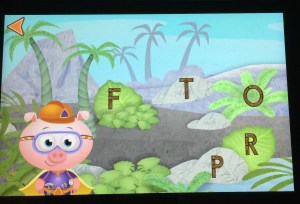
Basic letter recognition game

This one is fabulous – kids have to find the items that start with the letter shown by listening to the initial sound. Great thing is, it audibly corrects the child if they select the wrong one, so it’s easy for mom or dad to congratulate or to help from across the room if the child is struggling.
And a super quick plug for our favorite video series (there are lots of your kids favs from tv available) – Creative Galaxy is a video series specifically from Amazon, and it’s a fabulous little show about an alien named Arty, his pet named Epiphany, and his family and friends. They have to solve problems in every day life by creating art – a gift for a friend, a team shirt, find a lost pet, etc. It’s really a fabulous show, and I like that in between the episodes (just like on PBS), REAL kids are doing REAL art projects. We’ve gotten so many fun ideas from watching Arty together. So, you’ve gotta head on over to the videos page and check out Creative Galaxy. Super cute. Two thumbs up. Becca and Mommy approved. 🙂
KINDLE USER TIPS
As I mentioned in my previous post, there are a few little tweaks that Amazon needs to make to their product. But hopefully with some tips here, I can help you around them.
1. Running out of memory? Be sure that when your child isn’t going to use an app or book any more, you click and hold down on the app logo and select “remove from device.” It’ll still be available in FreeTime, you just won’t have it resident on your machine any more. Same thing with videos. Once your child has watched a video, click on it and select to “remove from carousel.” Also make sure that if you have downloaded a bunch of books to the Reader portion of your Kindle (outside of FreeTime) that you only keep them resident on your machine if you are going to be reading them. Amazon has a “cloud” that stores all of your books you’ve purchased – they don’t have to be resident on your Kindle unless you want to read them. So remove from your device books that you aren’t reading to free up space. Also make sure you aren’t carrying resident any movies or tv shows that you don’t want on there.
2. Running out of battery? Be sure when you aren’t watching a video or downloading something (aka using the wifi) that you go into airplane mode. This will save your battery life CONSIDERABLY. Also be aware that when you plug your Kindle in to the charger, it will turn on. The screen will go black, but it is STILL TURNED ON. So when you unplug your Kindle from the charger, be sure to POWER OFF your machine, or you’re sitting there using battery without even realizing it. Super frustrating, but easy to fix following these simple tips.
3. Can’t find the little house? This is probably our most frustrating issue. But I’ve discovered that it’s always going to show up one of these three ways: 1) pull down from the top 2) swipe over from the right 3) tap the center of the screen (when reading a book) So, when Becca can’t figure out how to get the house, I walk her through those three steps, and slowly but surely, she’s getting to where she doesn’t ask for the house any more – she can usually walk through those three steps and get it to show up. Apple users, beware – this will be your most loathed issue. There isn’t a home button.
4. Not sure how to switch to the regular Kindle Fire outside of FreeTime? Boy, this one took me forever and then I felt like such an idiot. It’s SUPER easy to switch out of your child’s FreeTime profile and over into a different profile for you. Simply put the Kindle to sleep (by one quick press on the power button) and then wake it up (by pressing the power button again). Then click on the little profile square that is your child’s profile. This will give you the option of switching to a different profile. Type in your little numerical password you’ve set up, and there you go! Simple to switch back – just do that again, put it to sleep, wake it up, and click on your profile square in the top left corner.
Have more questions about the Kindle Fire Kids HD 6? I’m happy to help any way I can! I do not work for Amazon (though I am a member of their affiliate links program, they have not paid me for this review), but I am happy to help.


 (aff link) and then do an activity related to that story






 Butterbees and Bumbleflies